BlogPaying
How much is left on my qist? And what happens at the end
By the Mobilistan team
, 3 min read
See every instalment you have paid and every one still to come, and what changes on the day you pay the last one.
There are two ways to check your qist, and they show different amounts of detail on purpose.
Quick check, no login
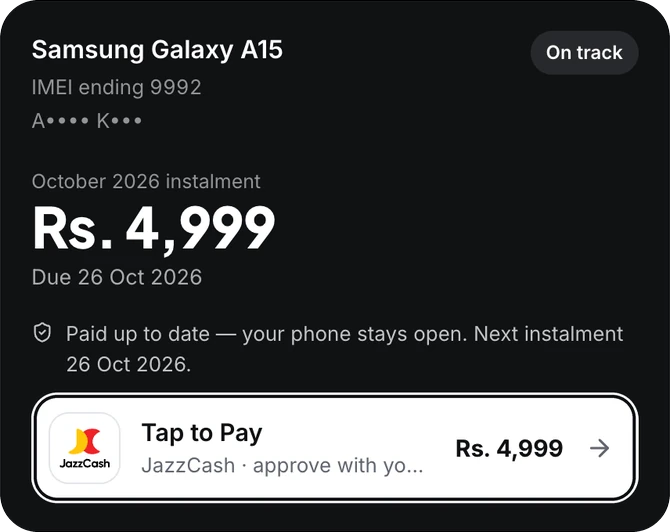
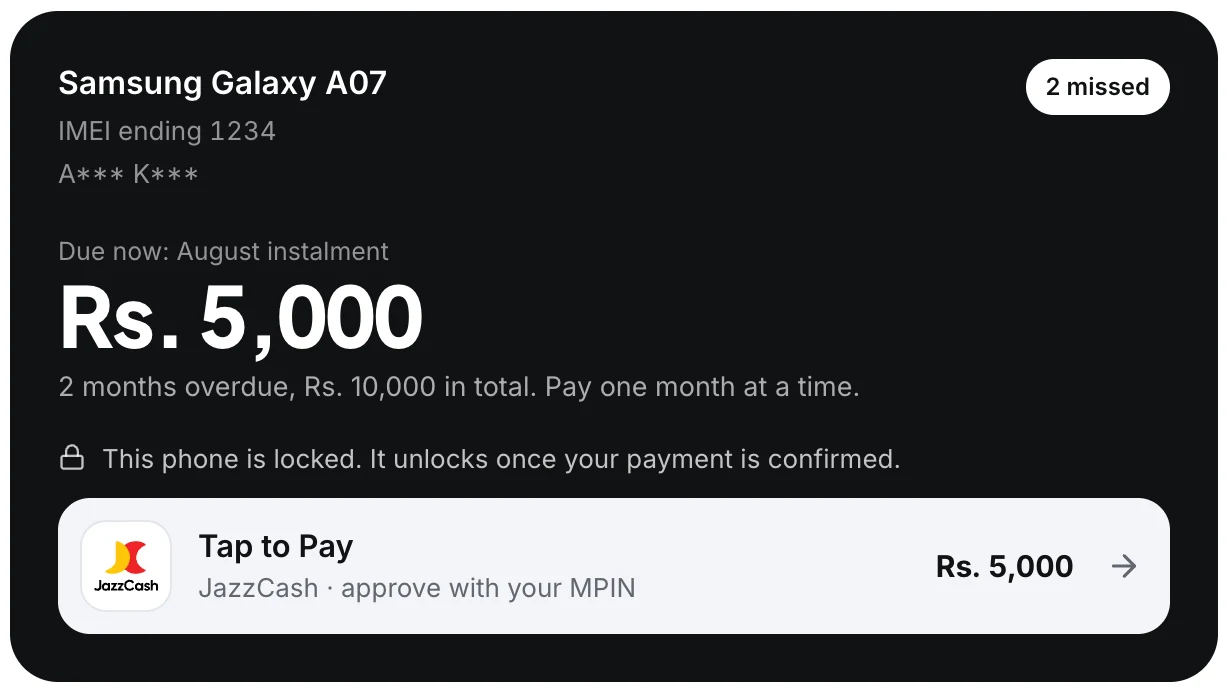
On mobilistan.pk/pay, search with your WhatsApp number, IMEI or CNIC. You will see the month that is due now and its amount, and you can pay it. That is all it shows, deliberately: anyone who knows your CNIC could search, so we don’t show your full history there.
Your full account
Go to mobilistan.pk/account and log in with your WhatsApp number. We send you a code on WhatsApp. Once you are in, you see everything: how much you have paid, how much is left, every instalment with its date, and every payment you have made.
If you bought more than one phone, each one is listed on its own.
The last instalment
When you pay the last month, the plan is marked paid off. The phone is now completely yours, and the lock is removed from it for good. From then on it works like any phone bought for cash.
If you would like your next phone on qist, you can apply again any time.
Something doesn’t match?
If a payment you made isn’t showing, don’t pay it again. Call 0370-8199951 with your JazzCash transaction ID, and we will find it.
Still stuck? Call us on 0370-8199951.
Open my account